SupAnn Applications
You can activate the SupAnn tab on web applications to turn it into a SupAnn Application.
Go to SupAnn status tab and click on “”Add SupAnn status settings” button

Then you can fill the following fields:
Information
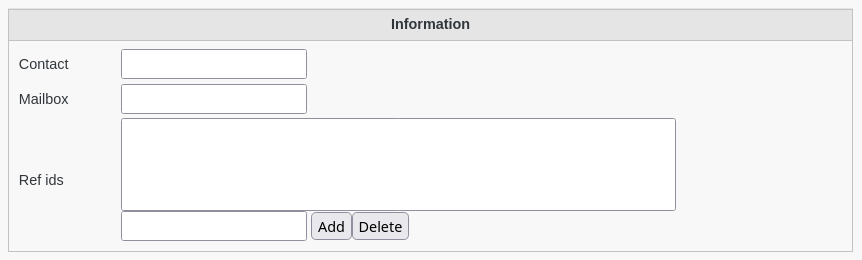
Contact: Contact email address, internal or external to the institution
Mailbox: Email address of the mailbox assigned to the application
Ref ids: supannRefId - unique reference(s) for the application in other databases, for example in the application manager
Administrative information

Owner: DN of the owner (administrative manager) of the application
Manager: DN of the application’s technical manager