Main Menu
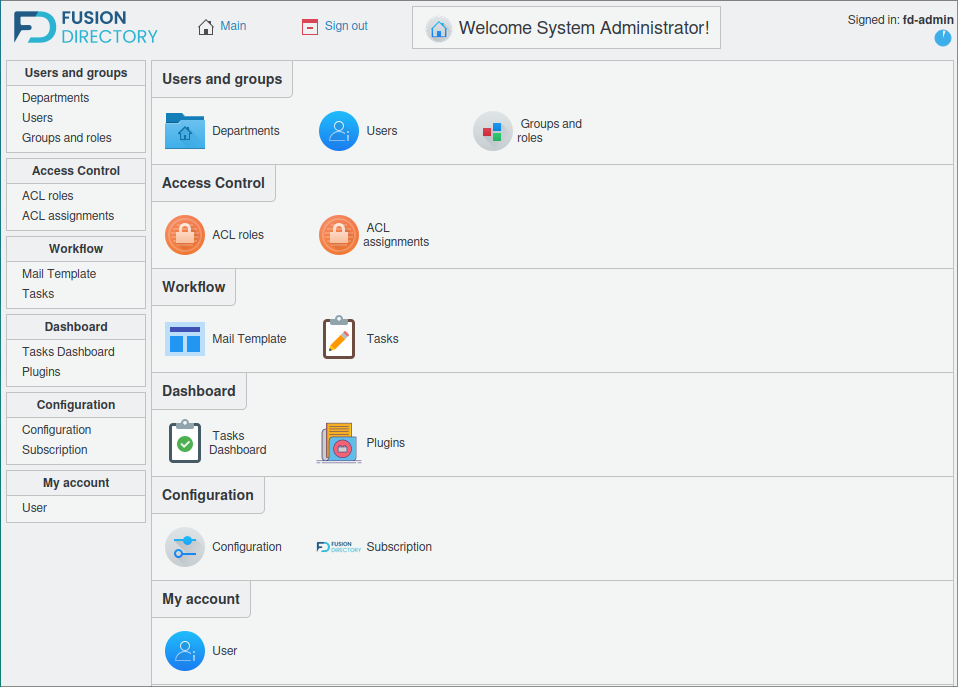
Once logged into FusionDirectory, you are presented with the main menu.
Below is an example of how it appears with the core view:
Users and Groups
This section contains most plugins that allow the management of objects in your LDAP directory. By default, it primarily includes users and groups, as the name suggests. However, installing additional plugins may enable you to manage other types of objects.
In this example, the user has access to the following Users and Groups sections:

Departments
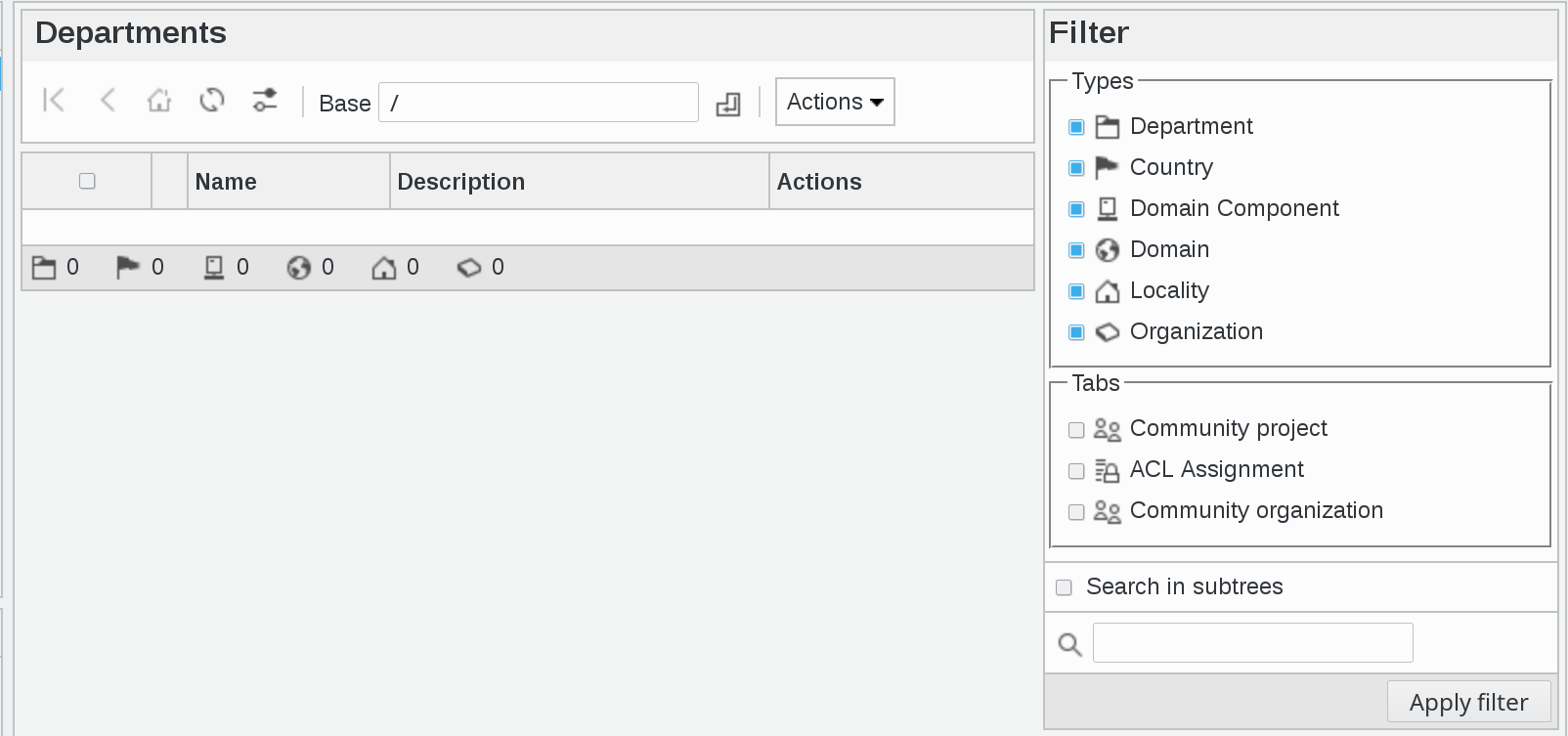
Manage departments, countries, domain components, domains, localities, and organization nodes.
Here is an overview of the Departments section:
Users
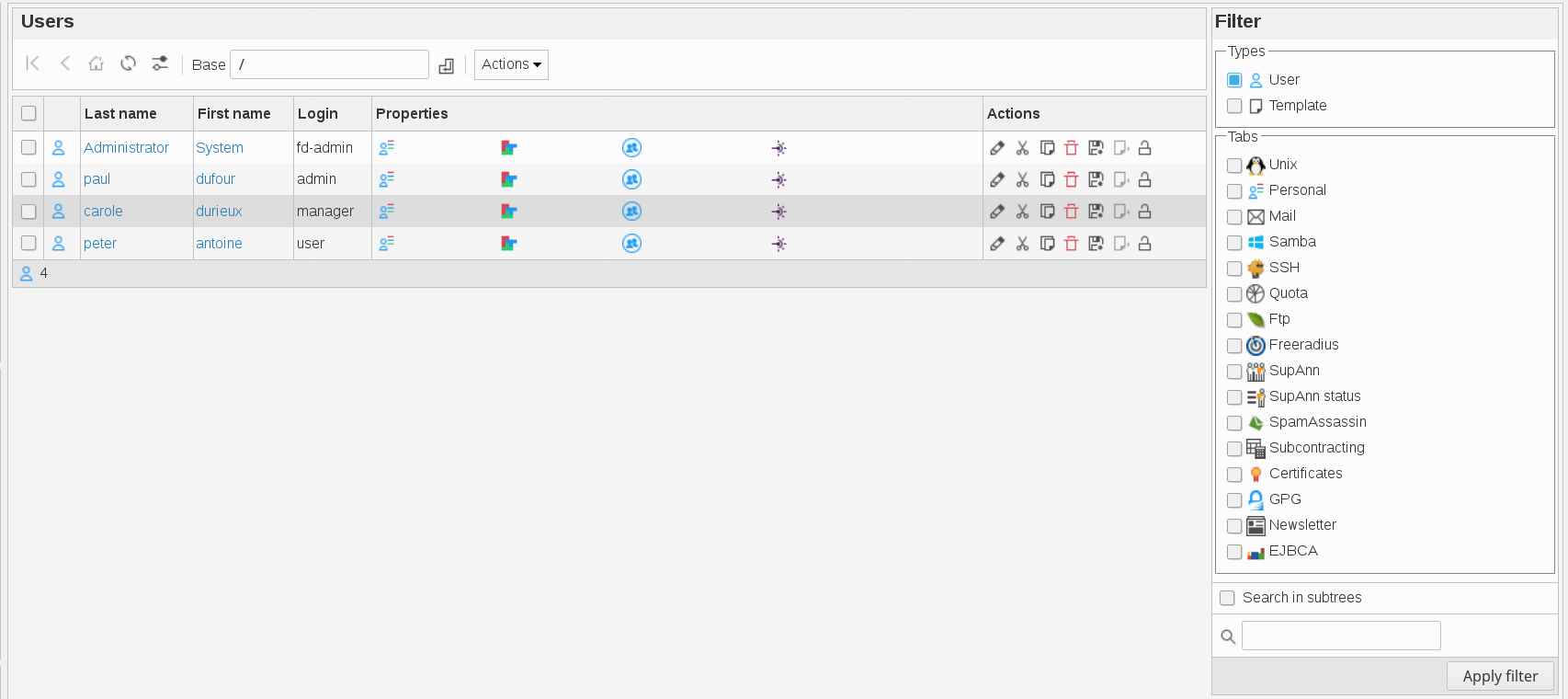
Manage user accounts and their associated properties.
Here is an overview of the Users section:
Groups and Roles
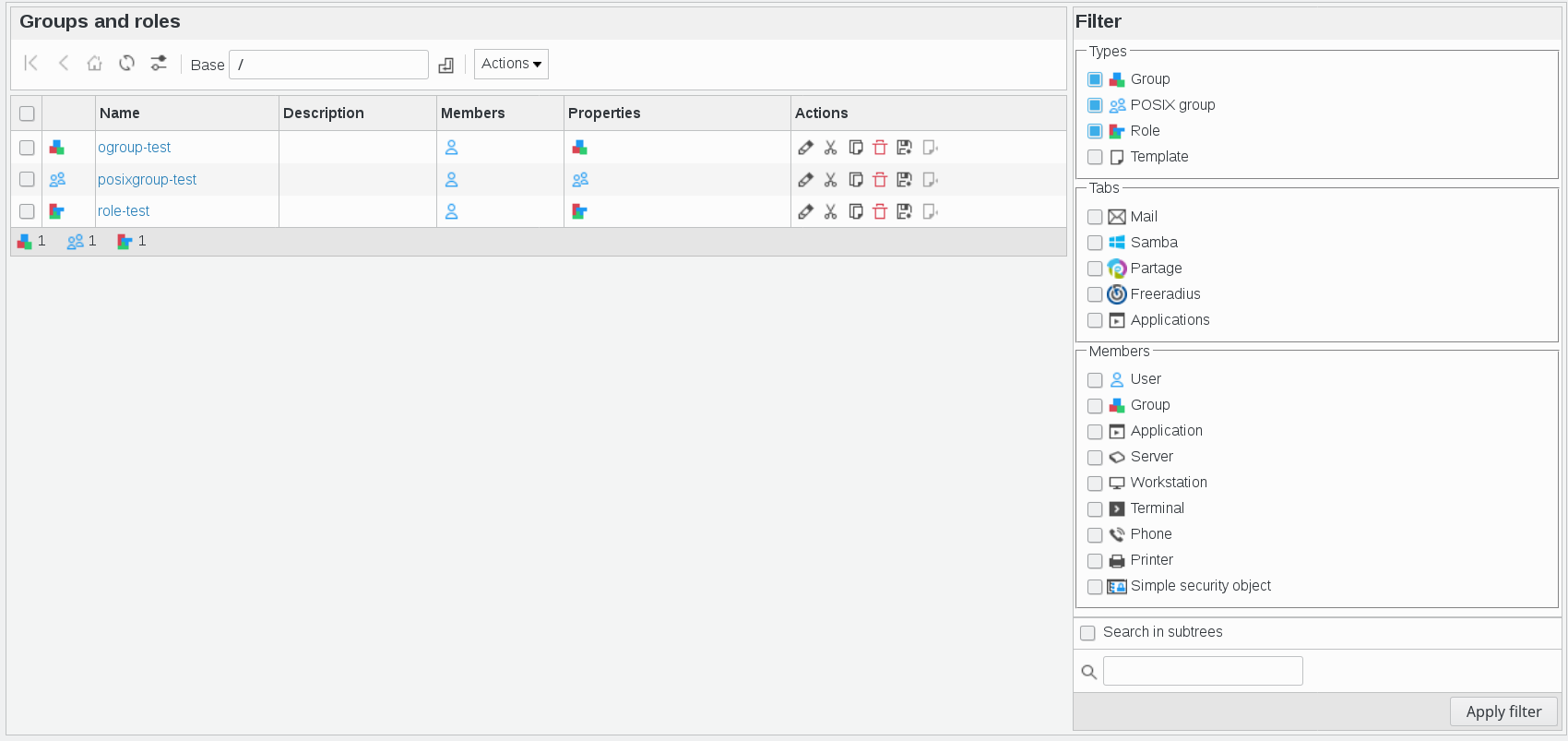
Manage object groups, POSIX groups, and roles.
Here is an overview of the Groups and Roles section:
Access Control
This section allows the management of access control settings. In this example, the user has access to the following Access Control sections:

ACL Roles
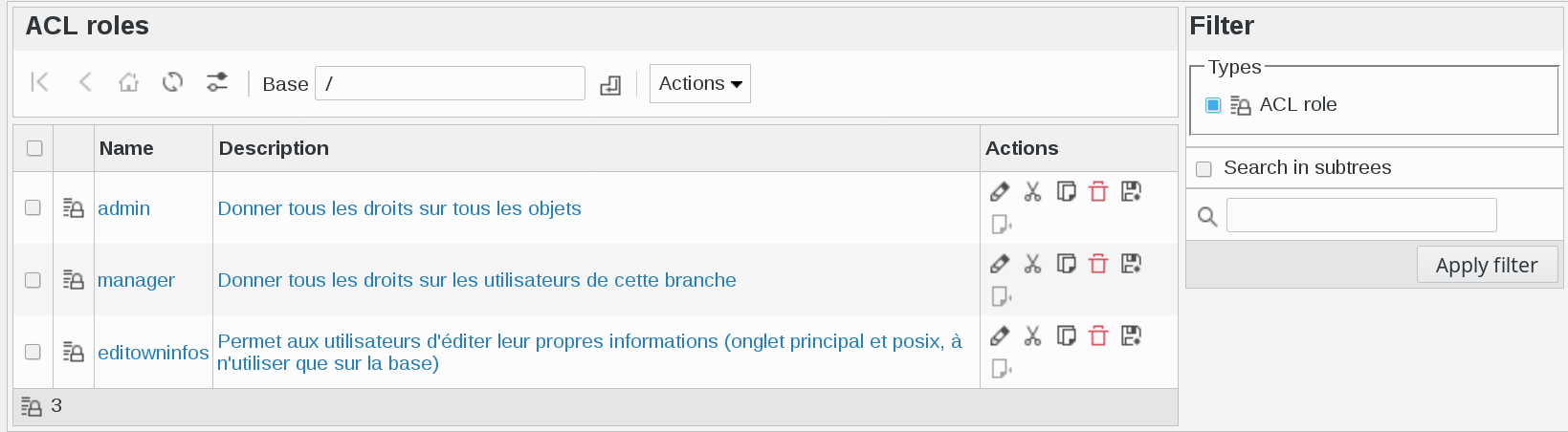
Manage Access Control List (ACL) roles.
Here is an overview of the ACL Roles section:
ACL Assignments
Assign ACL roles to users.
Here is an overview of the ACL Assignments section:

Workflow
This section provides options to efficiently configure workflows. Users can customize tasks and set up email templates for automated sending at a later stage.

Mail Template
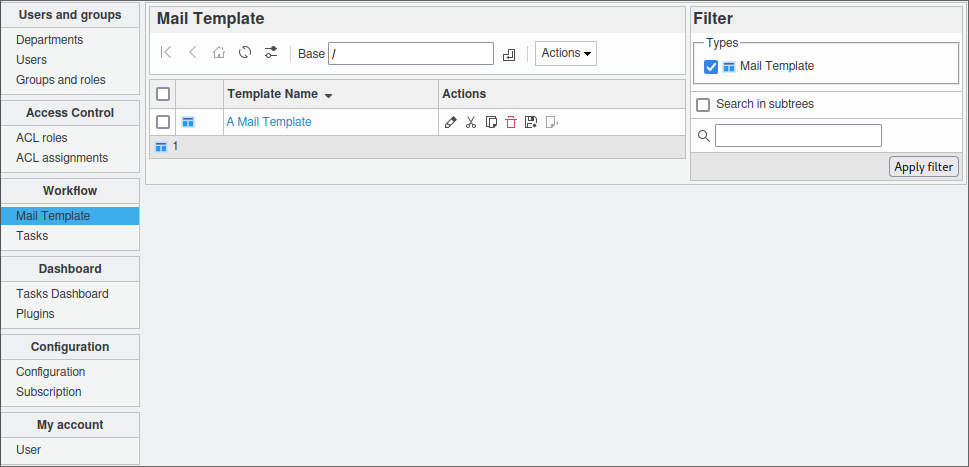
Manage email templates assigned to tasks.
Here is an overview of the Mail Template section:
Tasks
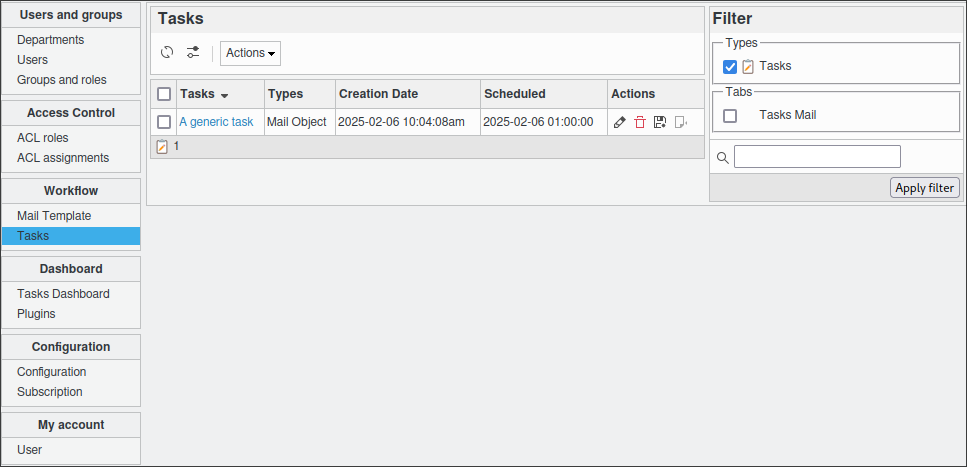
Manage tasks and create multiple sub-tasks.
Here is an overview of the Tasks section:
Dashboard
The Dashboard section provides an overview of workflow status and other informative panels.

Tasks Dashboard
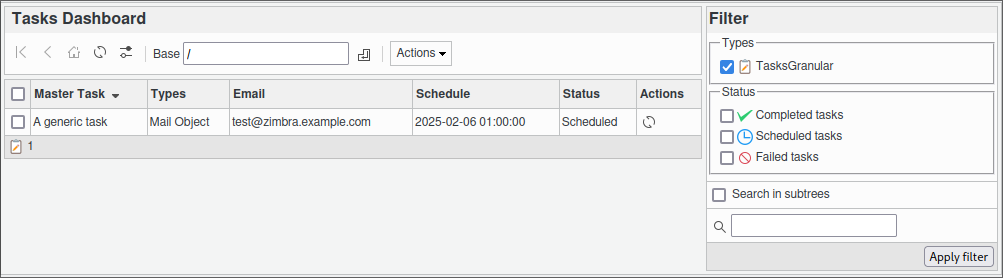
Gain a clear overview of created tasks and their status.
Here is an overview of the Tasks Dashboard section:
Plugins
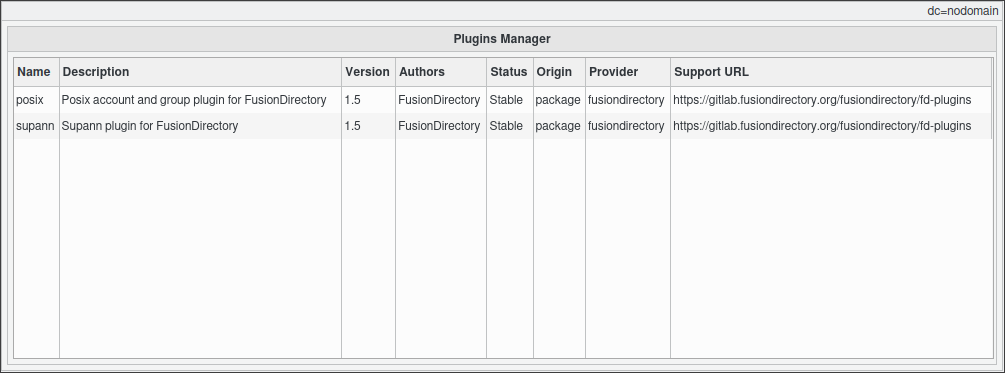
View and manage installed plugins within FusionDirectory.
Here is an overview of the Plugins panel:
Configuration
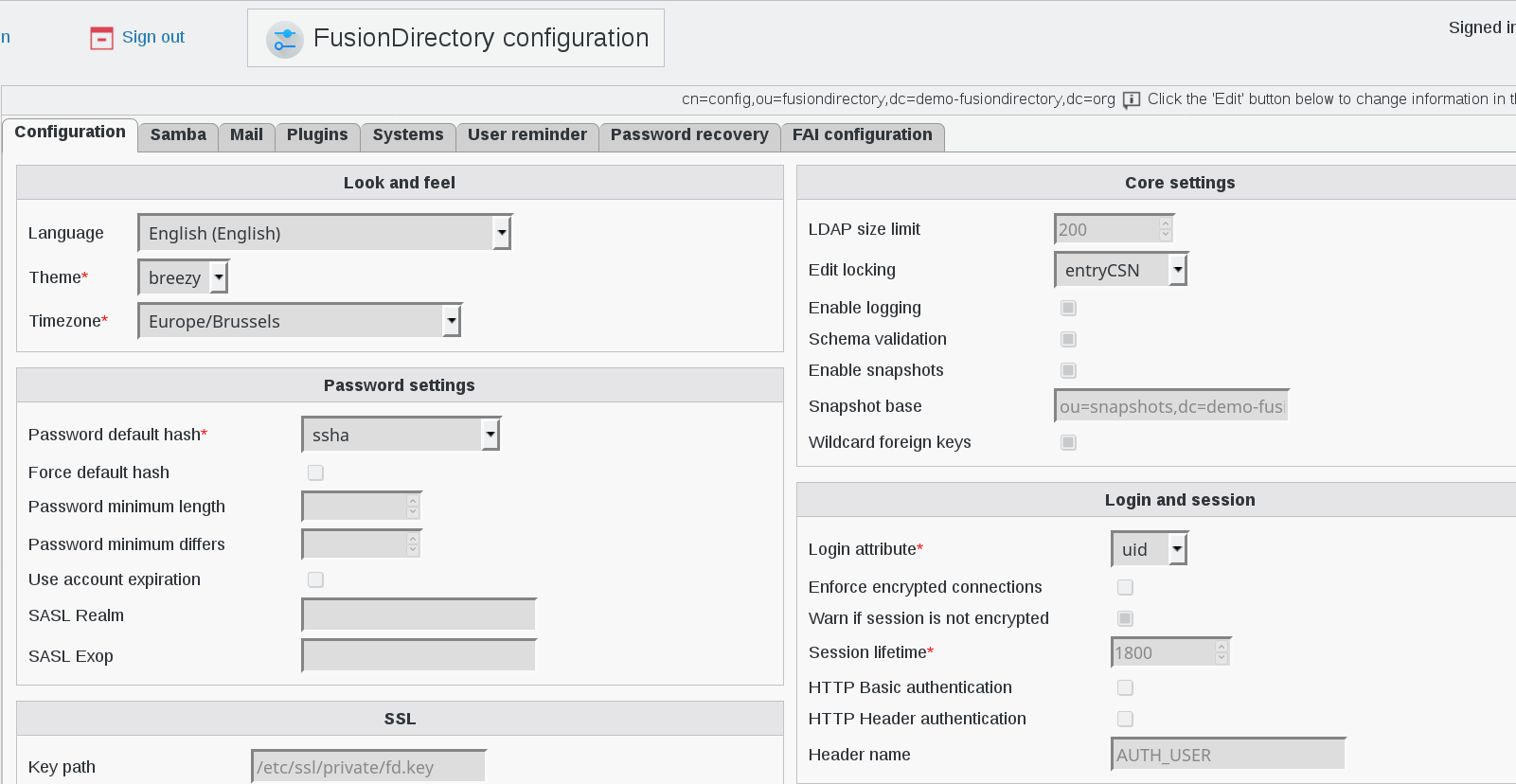
The Configuration section contains settings for FusionDirectory. If additional plugins are installed, their configuration screens may also appear here.
Here is an overview of the Configuration section:
My Account
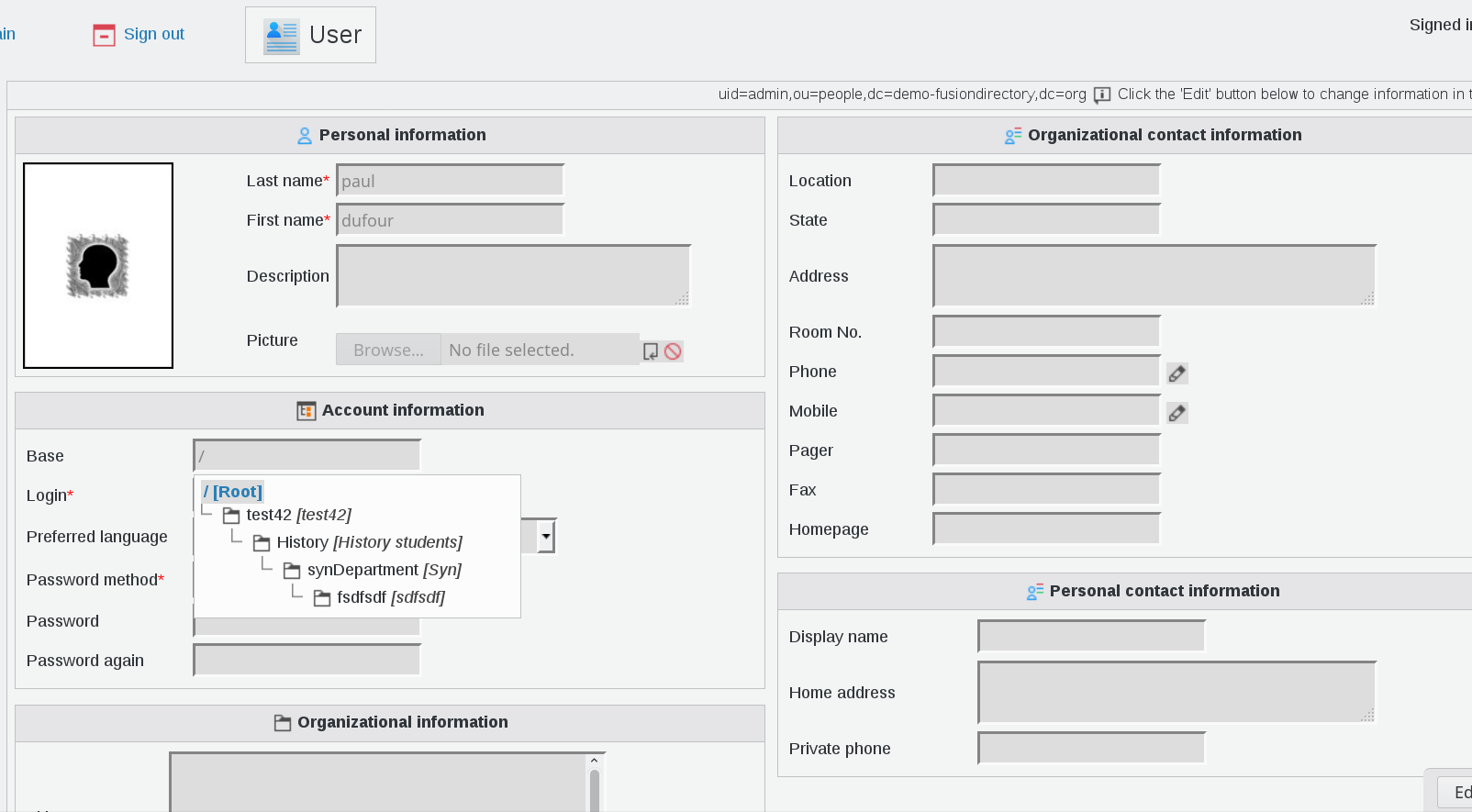
This special section displays user-specific settings for the currently logged-in account. Users can edit their personal information here, provided they have the necessary ACL permissions.
Here is an overview of the My Account section: