Functionalities
Add Zimbra service
Go to Systems
Create your server or edit an existing server

Click on services tab
Add the Zimbra service
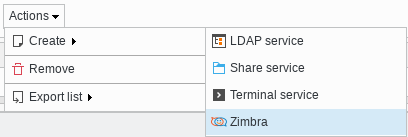
Fill the fields for the Zimbra plugin and save it
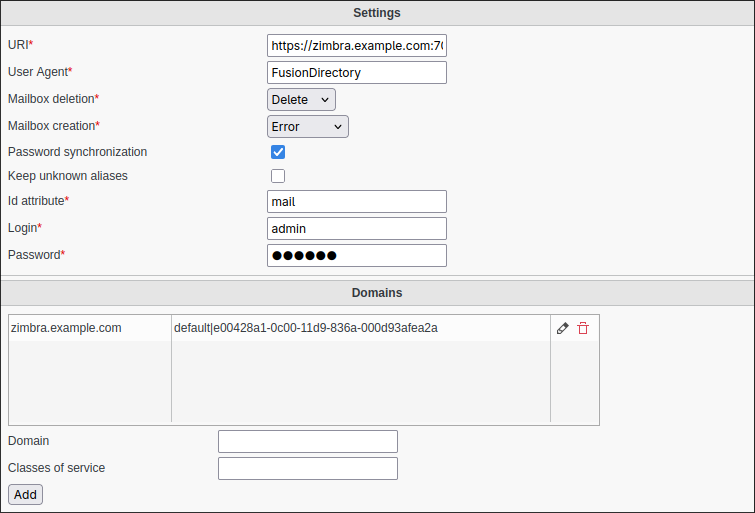
Global settings :
URI: Url of the Zimbra instance
User Agent: User agent to use to contact the API
Mailbox deletion: Should FD delete the mailbox when removing the account
Mailbox creation: Should FD error out or not when mailbox with the same email already exists
Password synchronization: Should FD sync the password to the zimbra account. Disable this if you have SSO.
Keep unknown aliases: Should FD keep unknown aliases when updating the user. This is useful if you have aliases that are not managed by FusionDirectory.
Id attribute: Which LDAP attribute to use as email id. “mail” by default. If this is not “mail”, “mail” will be added as an alias instead.
Login: Login to use to connect to the API
Password: Password to use
Per domains settings :
Domain: mail domain ex: acme.com
Class of service: Service class name | cos id (zimbra cos id)
Note
! there is no space the pipe and the service name and the cos id ! xl_fusiondirectory|12348743567899
Click on “save” button bottom right to save your server

Add Zimbra to a user
Click on “users” button in FusionDirectory main page

Select a user

Go to Mail tab and click on “Add mail settings”

Fill in all the required information : mail account and other addresses and redirections
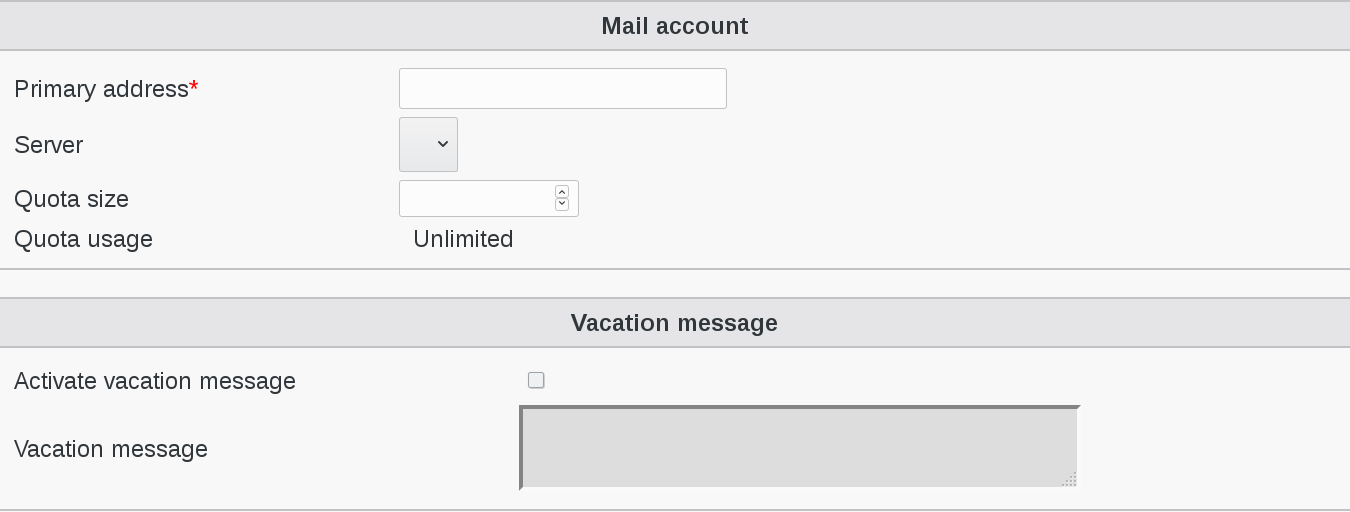
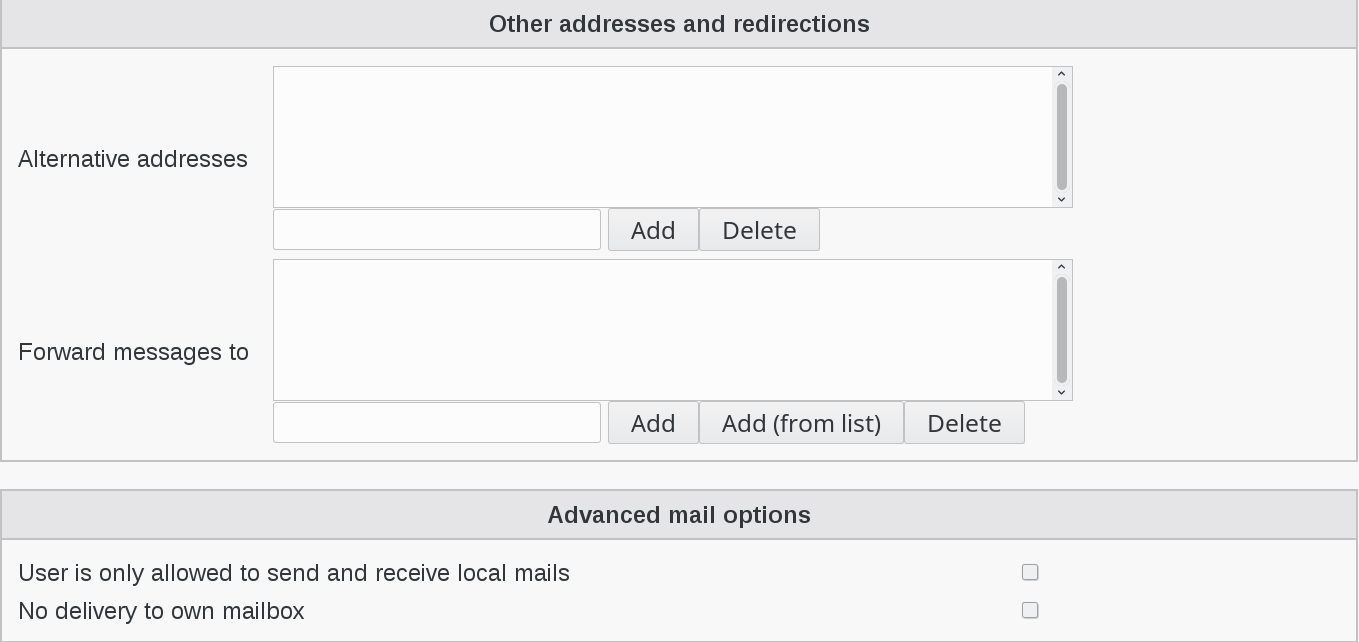
Click on “Apply” button bottom right to save your settings
